Let’s Explore the Inside of the Robot’s Body!
Follow Along: Robot Sensor Visualization
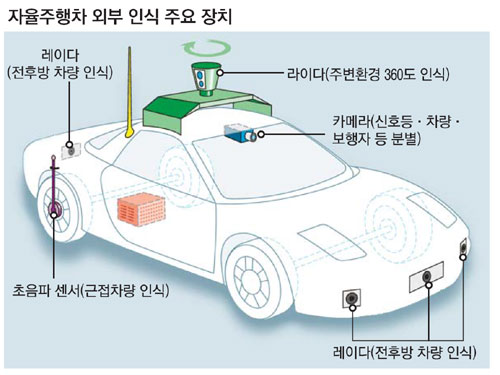
Overall Description
The sensors in the body of the robot are similar to those in the human body.
The table below compares the sensors on the robot with those in the human body.
Inside the Robot |
Inside the Human |
|---|---|
|
|
Jetson Nano |
Brain |
|
|
LIDAR Sensor |
Superpower |
|
|
Camera |
Eyes |
|
|
Ultrasonic Sensor |
Ears |
|
|
Battery |
Heart |
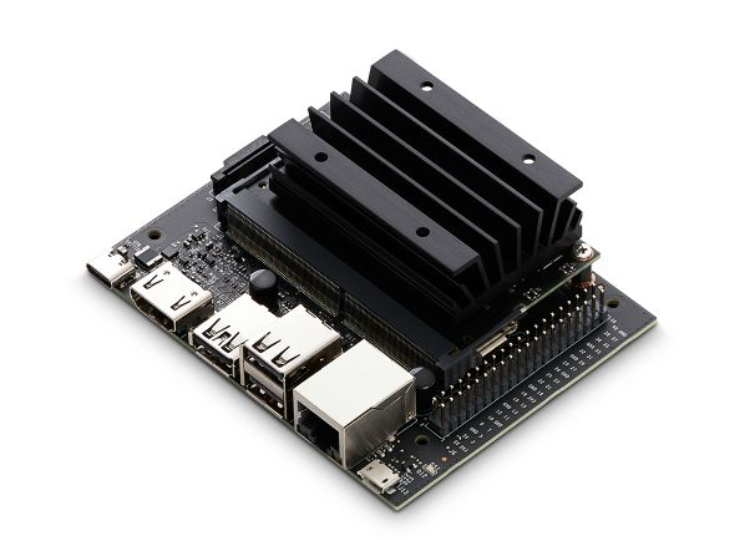

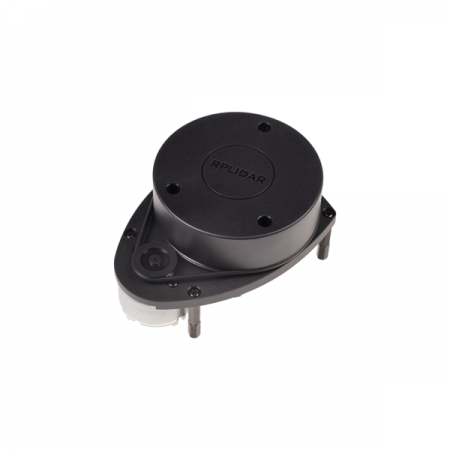

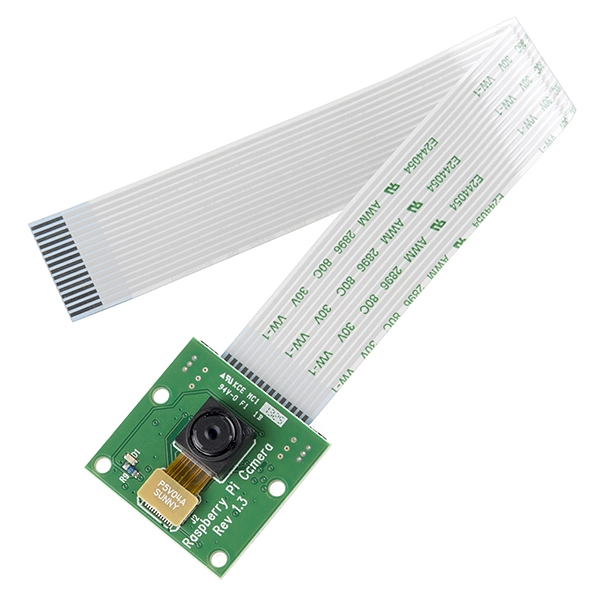

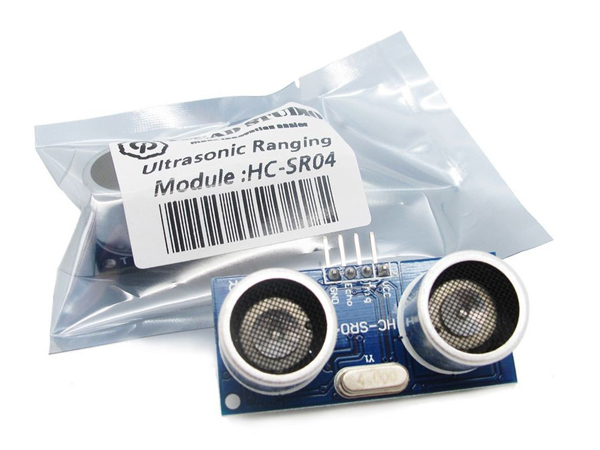
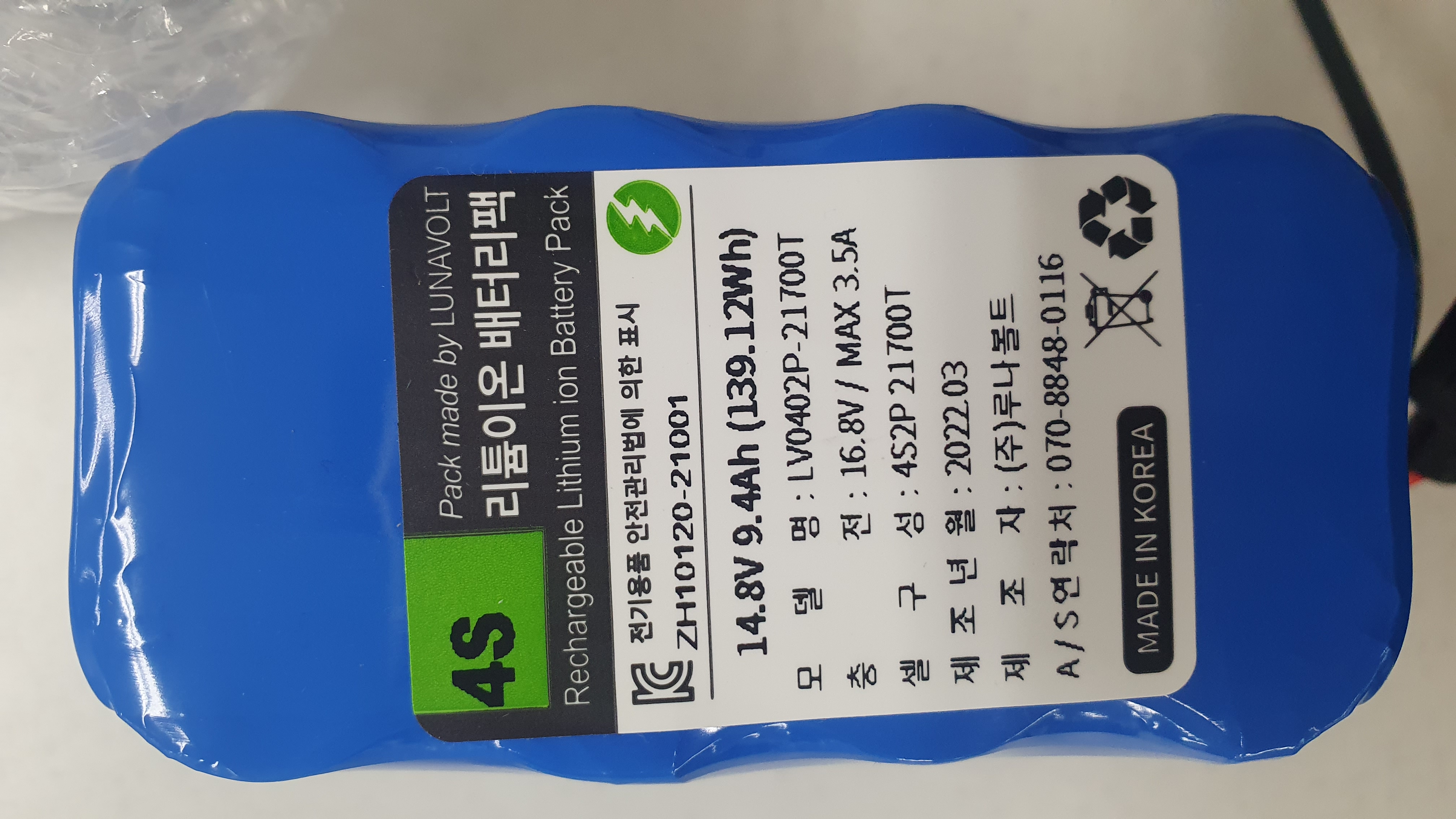

Like the human body, each sensor in the robot is work together again.
We will go inside the robot’s body and explore how its sensors work.
For this mission, we will access Isaac Sight, and check how the visual representations change when we move our robots.
Accessing Isaac Sight
Isaac Sight web service is mounted on port:3000 and can be accessed via http://10.42.0.1:3000/ website.
Make sure that the host computer is connected to the zeta wifi.
When the website is accessed, the screen similar to the following will be displayed:
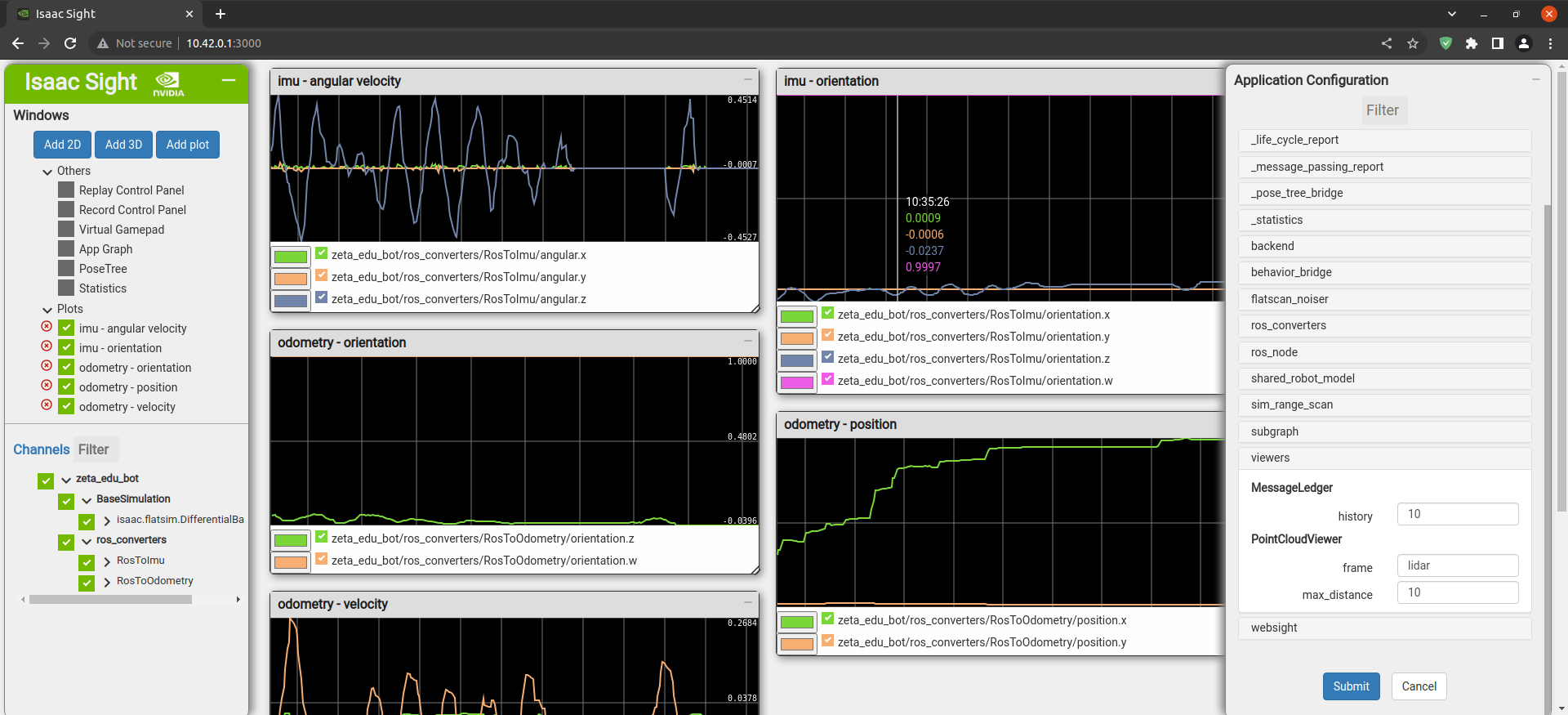
The middle of the section displays multiple windows with 2D visuals from various sensors.
The color and other visual settings may be accessed via the pencil icon or by directly updating the setting by right clicking on the desired visual.
On the left you, the Isaac Sight displays all the available channels which can be visualized.
Activate all the available sensors and check for the visuals.
Checking Visuals
Lets move our robot to check how the visuals of the sensors change.
IMU stands for Inertial Measurement Unit.
IMU is a device that measures and reports the specific force (acceleration) and angular rate (rotation) of an object in three-dimensional space.
Odometry is a method used to estimate the position and movement of a robot or a vehicle based on the changes observed in wheel motion.
Odometry relies on measuring the rotation of wheels and the distance traveled by a robot or a vehicle to estimate its movement and position.
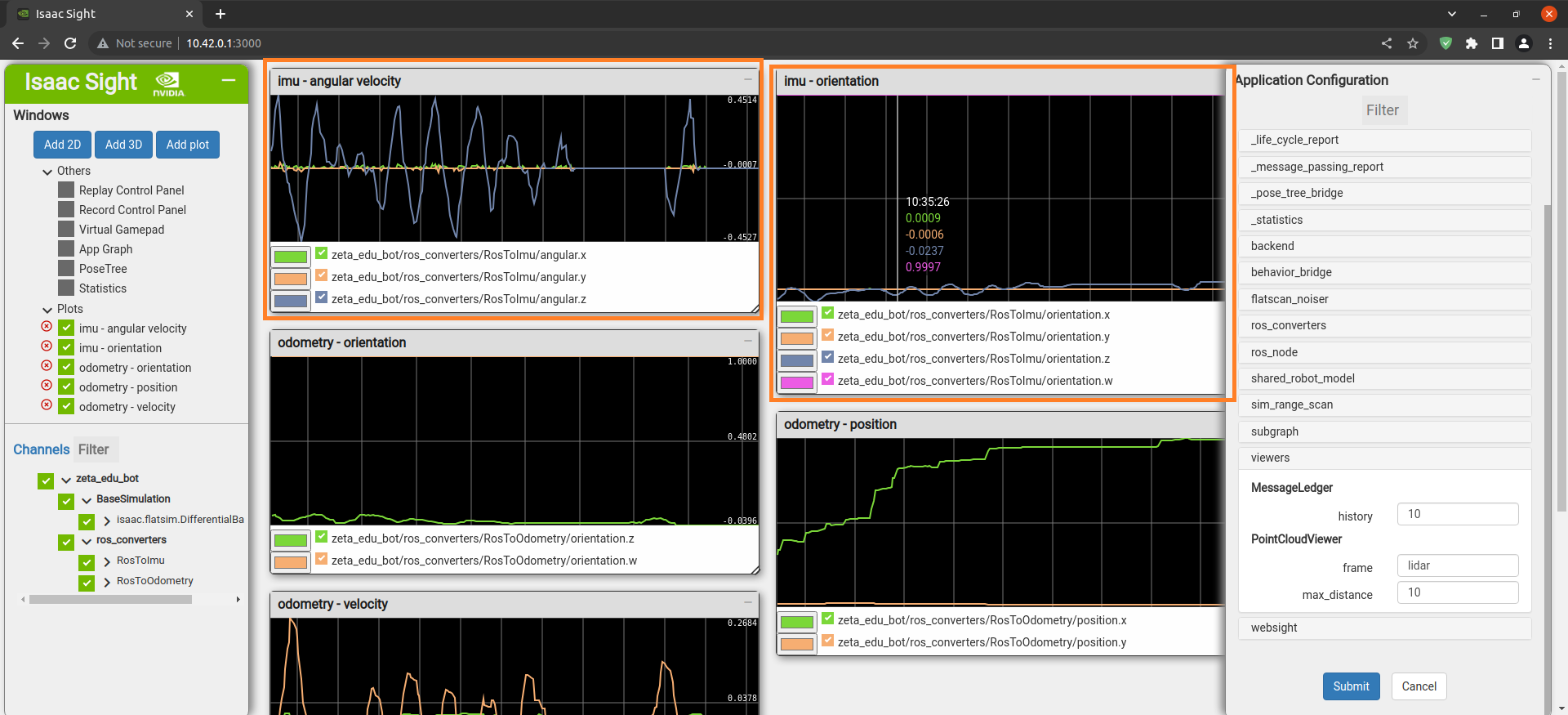
In this part, the angular x,y,z and orientation x,y,z,w values of the IMU value can be checked with graphs and measured values.
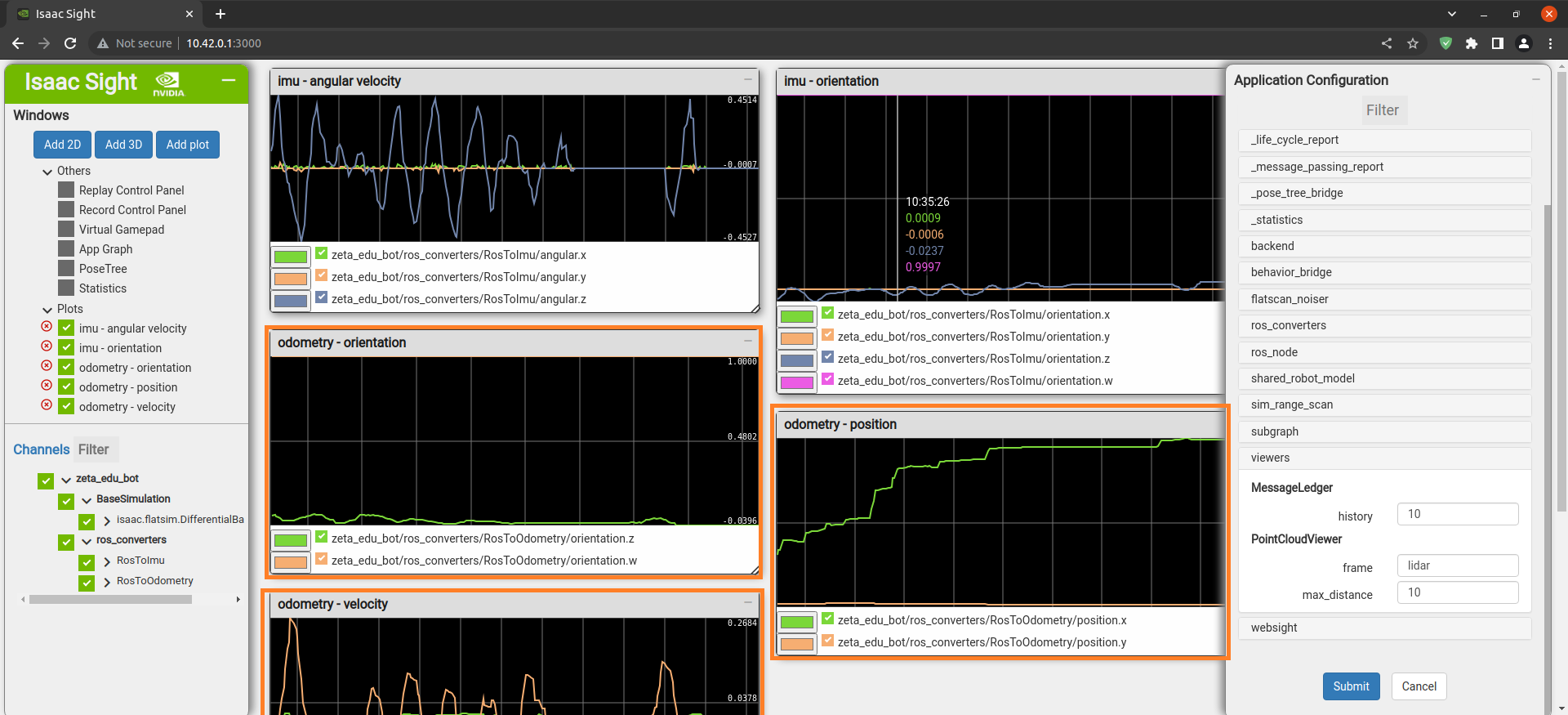
In this part, you can check the orientation, z, w values, position x, y values, and ilnear x, angular z values of Odometry with graphs and measured values.